
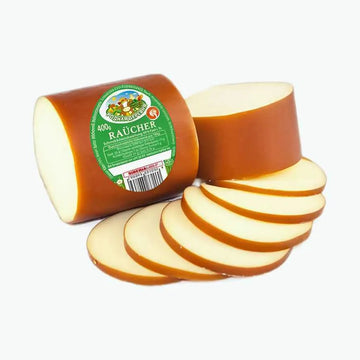
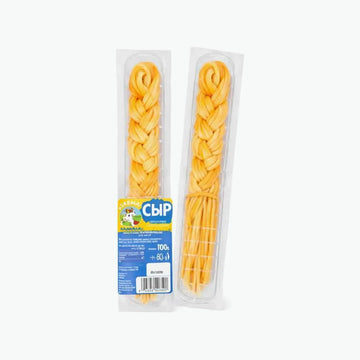
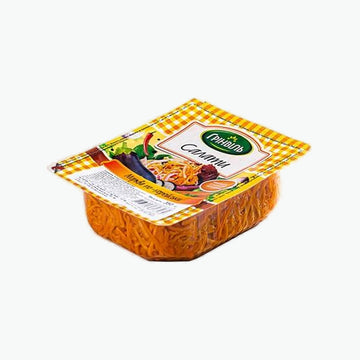
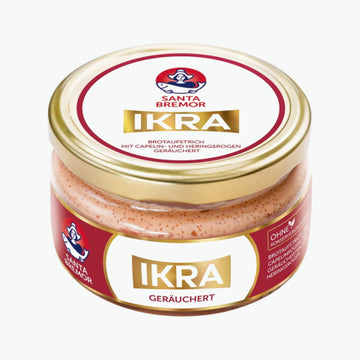
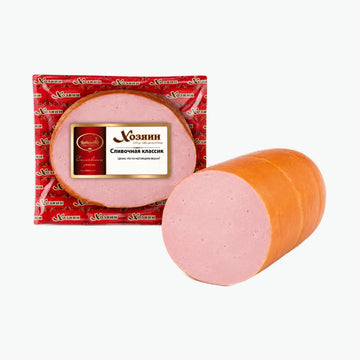
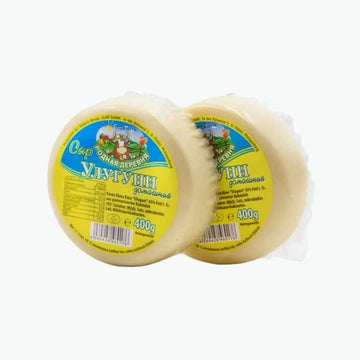
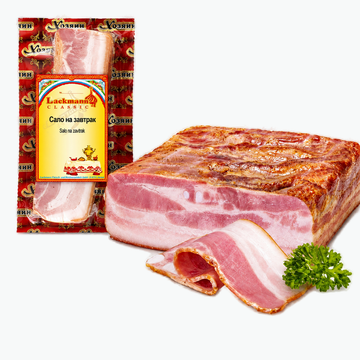
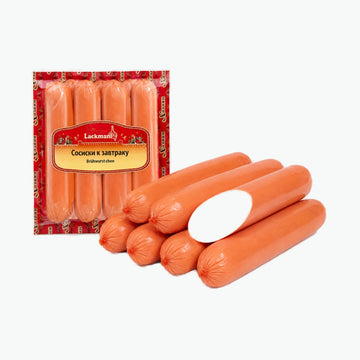
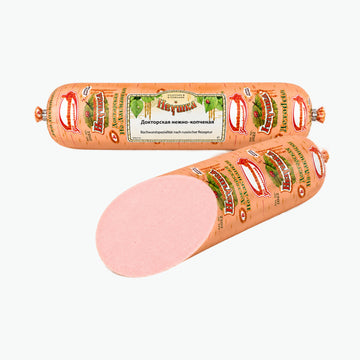
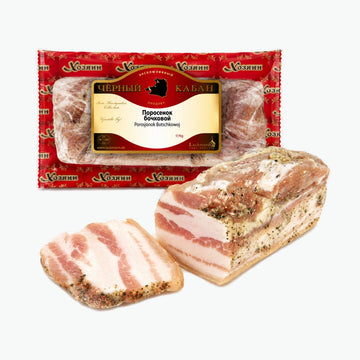
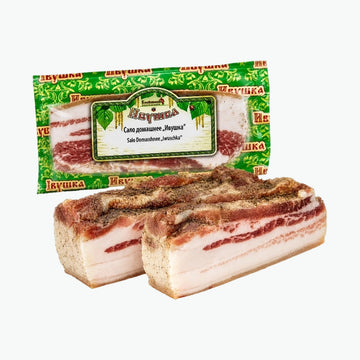
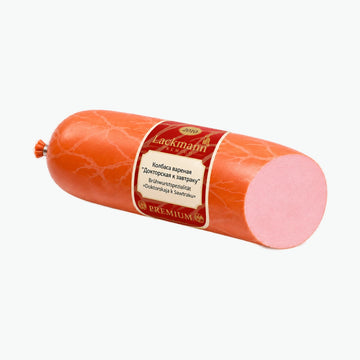
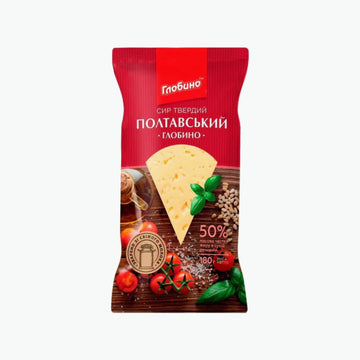
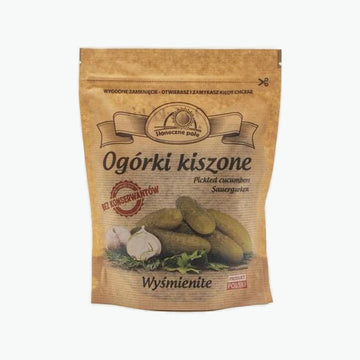
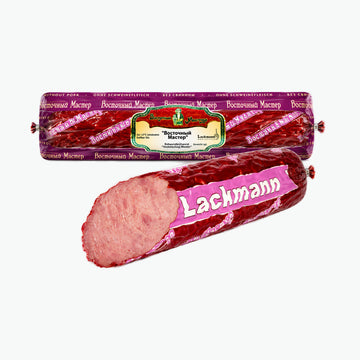
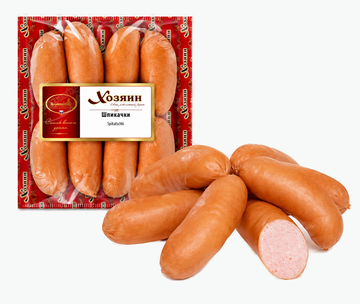
Fresh groceries from Frostix delivered across Germany
The Fresh collection adds fresh and chilled groceries to your Frostix basket, including bread, vegetables, fruit, salads, dairy products and everyday foods depending on availability.Fresh is the right collection when you want to add fresh or chilled products to frozen and dry groceries. The assortment may include bread, vegetables, fruit, salads, dairy products and other foods that fit Eastern European cooking and family meals.
It helps you build a complete stock-up order: fresh products for the next days, shelf-stable items for the pantry and frozen products for quick meals.
Fresh and chilled items are shipped with suitable thermal packaging and cooling elements. Please check the product information after arrival and store the items as instructed.
Large selection, premium quality and fast delivery throughout Germany
Everything you need so good products are always at hand
Large selection of fresh products
Fast delivery throughout Germany
Only premium quality
Have questions?
Depending on availability, you can find bread, fruit, vegetables, salads, dairy products and other fresh or chilled foods.
Fresh and chilled items are shipped in suitable thermal packaging with cooling elements to protect them during transport.
Yes. You can combine fresh, chilled, dry and frozen products in one basket. Shipping and packaging depend on the basket contents.
Yes, especially as an addition for the next few days. For longer stock-up shopping, dry groceries and frozen products are useful too.
Fresh and Dry groceries, Dry groceries, Fruit/Vegetables/Salads, Dairy and Frozen products are good complements.
Choosing a selection results in a full page refresh.
Opens in a new window.
We'll let you know when it's back
We'll send you an email as soon as this product is back in stock.
Done
You're subscribed to restock notifications. We'll email you as soon as this product is available again.
Almost done
We've sent a confirmation link to your email. Please check your inbox to verify your subscription.
Step 1: Choose message placement
Click the button below and then hover over your page to select a placement.
Step 2: Paste and save
You have copied the placement for the Product Page.
Go back to the App Embeds section, and in the Paypal Advanced Settings, paste the copied value into the
Product Page field and click the 'Save' button in the top right corner.